MCP / Discord Administration
DiscordMCP
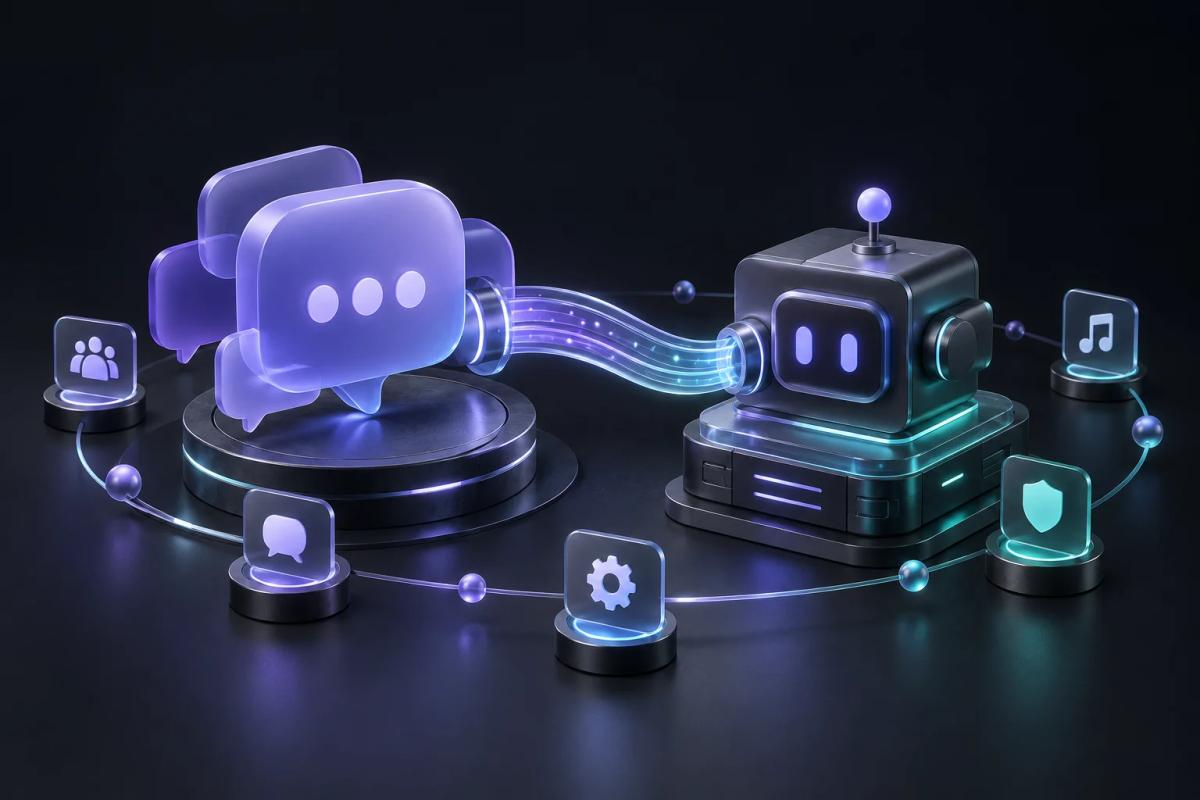
Concept illustration generated for this case study.
Overview
A local MCP bridge that connects an AI assistant to your own Discord bot. Create a bot, grant it access to your server and use natural language to design channels, configure roles, publish rich messages and manage server resources.
Problem / Context
Discord server design and administration involve many repeated actions across channels, roles, permissions and messages. An assistant needs structured tools to perform those actions through a bot controlled by the server owner.
Solution
A stdio MCP server exposes the official Discord API as discoverable tools. The user supplies their own bot token locally, chooses the allowed servers and connects a compatible AI client. Actions run within that bot’s permissions and Discord’s role hierarchy.
Key features
- Connect your own official Discord bot
- Natural-language server design and administration
- Channels, roles, permissions, embeds and media tools
- Guild allowlist, local file containment and token redaction
- Events, moderation and on-demand voice tools
- Russian and English installation and usage guides
My role
MCP operation catalog, Discord API integration, guild and file boundaries, token redaction, offline tests and bilingual setup documentation.